> ## Documentation Index
> Fetch the complete documentation index at: https://help.omnisets.com/llms.txt
> Use this file to discover all available pages before exploring further.
# Editing StudySets
> Learn how to edit your studyset as well as it's flashcards.
## Definitions
* When we refer to editing a studyset, we mean changing the visibility, title, description, tags and other metadata of the studyset.
* When we refer to editing the flashcards of a studyset, we mean changing the content of the flashcards, adding new flashcards, deleting flashcards, etc.
### Editing StudySets
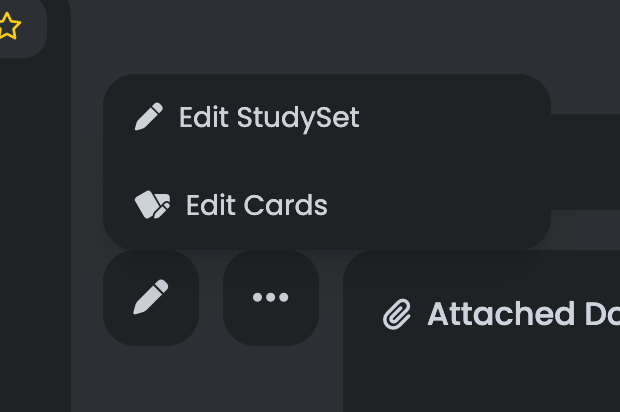
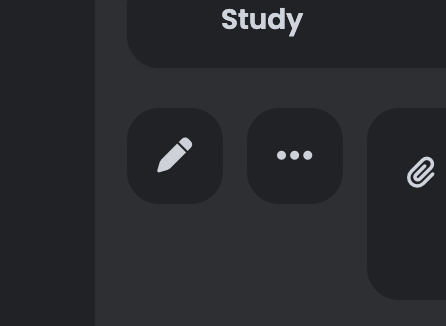
To edit a studyset. Hover over it in your dashboard. You'll see a pencil icon show up. Click on it to edit the studyset. You can also click on the studyset to view it, and then click on the pencil icon next to the Quick Actions menu.
 ### Editing Flashcards
To edit the flashcards, click on the studyset to view it. You'll see a pencil icon next to the Quick Actions menu. Click on it, then select the `Edit Cards` option.
### Editing Flashcards
To edit the flashcards, click on the studyset to view it. You'll see a pencil icon next to the Quick Actions menu. Click on it, then select the `Edit Cards` option.