> ## Documentation Index
> Fetch the complete documentation index at: https://help.omnisets.com/llms.txt
> Use this file to discover all available pages before exploring further.
# Sharing StudySets
> Learn how to share your studysets with others.
By default, all studysets are *private*. You do not need to worry about people seeing them.
### Private Link
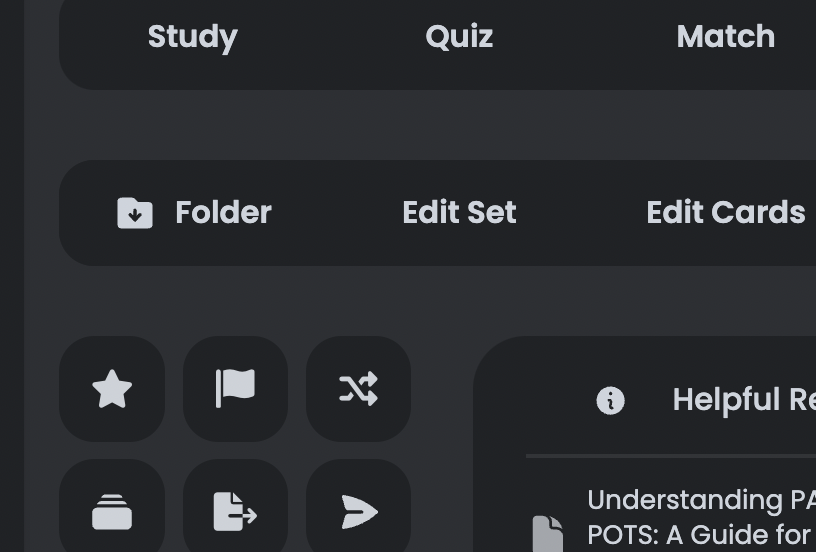
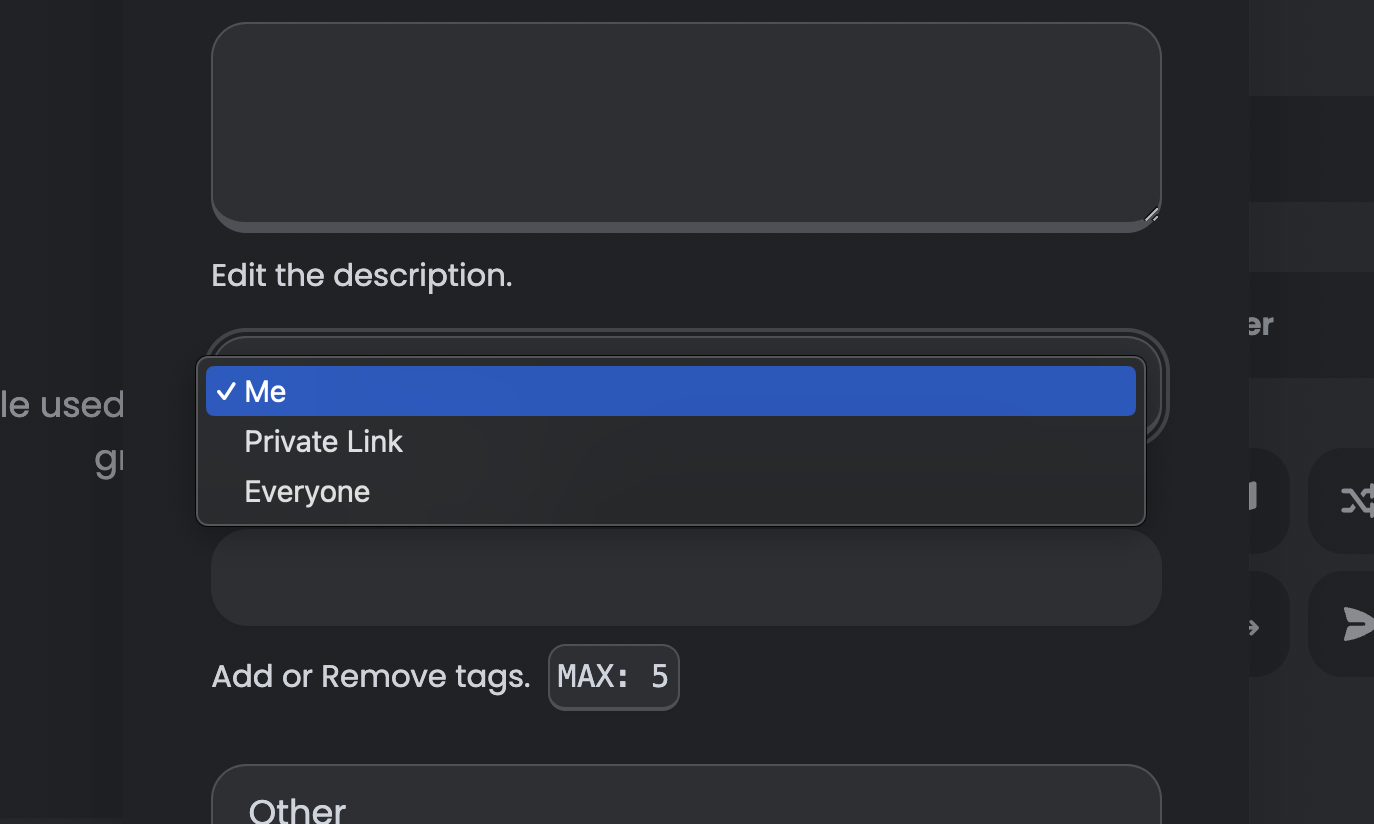
Click on `Edit Set` on the [StudySet Page](/guides/studyset-page/) and change the visibility to `Private Link`. Now, copy and share the URL of the studyset! It's that simple.
### Public StudySet (Library)
Follow the same steps as above, but this time, set the visibility to `Everyone`.
### Visual Guide (Private Link & Public StudySets)